
Apps that will make work-from-home a lot easier
Around GMA
Around GMA
Sienna Stevens, Ericca Laude prank Dingdong Dantes on 'The Master Cutter' set Moonstar88 shares inspiration behind their highly anticipated comeback album Anne Hathaway's pregnancy style: her best maternity outfitsArticle Inside Page
Showbiz News
These apps can help you work from home more efficiently and more productively.
This week, the coronavirus cases around the world and in the Philippines have skyrocketed, leading to widespread panic about the spread of the virus.
With coronavirus cases in the Philippines now in the hundreds, many Filipinos have been advised to avoid going to the office and work from home instead.
But with distractions left and right, it can be tricky to stay focused on your work while working from home.
Thankfully, there are several apps available online to boost your productivity.
From Google Drive to Slack, we've rounded up the top apps you can download to ensure that your work doesn't suffer during the coronavirus outbreak.
A. Task Management
Slack
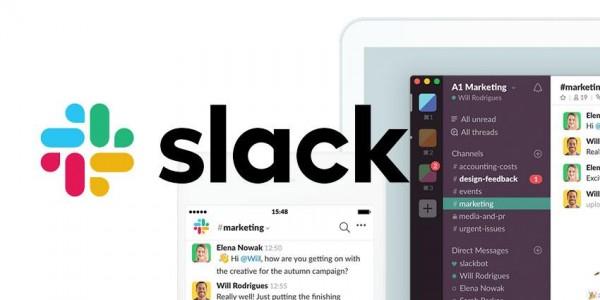
Slack is the ideal app to keep in touch with your team while you're working from home. Slack's instant messaging feature is organized into channels that team members can join and leave as needed, meaning you won't get bombarded with irrelevant notifications.
The app can also be used to share and edit documents, and it's even integrated with other tools like Twitter and Dropbox
Trello
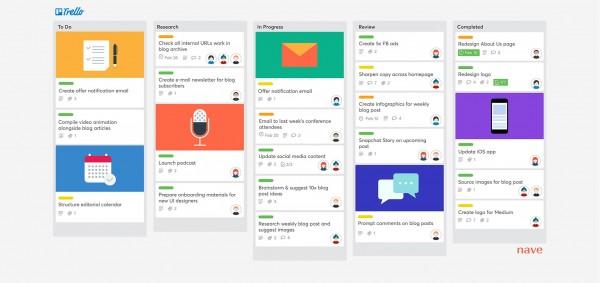
Trello is another collaboration tool that helps you organize projects into “boards.” In one glance, Trello tells you what's being worked on, who's working on what, and how projects are coming along.
What makes Trello different from Slack is its Kanban-style approach that divides tasks into three statuses: “To Do, In Progress, and Done.”
B. File Transfer and Content Management
Google Drive
Many users are already familiar with Google Drive because they've used the platform's 15 GB of free storage space for backing up personal files.
This familiarity can help organizations to minimize the learning curves among employees. Plus, data is automatically synced with all devices linked to the account.
Also, you get to set the permissions for specific files. You get to decide who can view only, modify, or download the files that are being shared on Google Drive.
Box
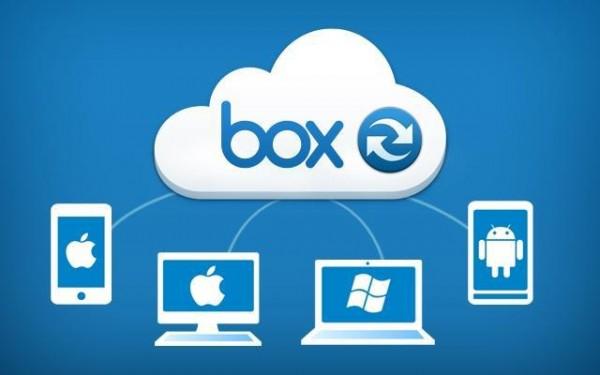
Box provides file-sharing and other tools to help businesses collaborate. What helps set them apart are the automated workflows and machine learning integrations to connect and simplify your business processes. The platform also has advanced security tools, like encryption, to keep your data secure.
C. Time Tracker
Toggl
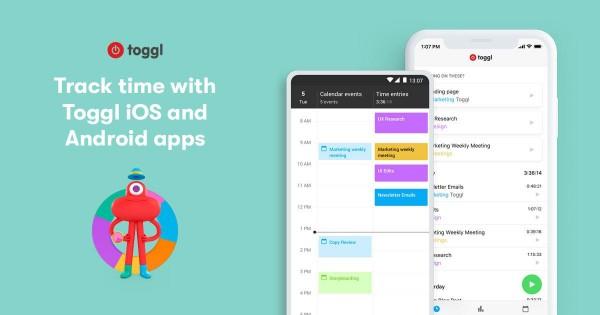
Toggl is one of the most popular time tracking tools around. The free version allows up to five team members to use it and can use tags to annotate time spent on meetings, client calls, and other categories you want to add.
It also integrates other tools like Google Drive, Basecamp, and Jir.
There's a free extension in Google Chrome that can remind you to track your time and there are also Toggl apps for iOS, Android, and desktop.
Time Doctor
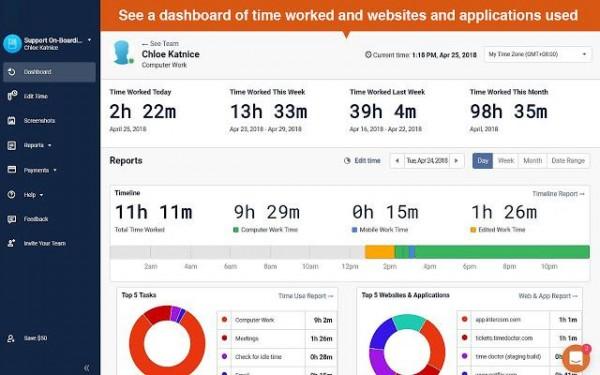
If you want to keep a closer eye on your team's workload, Time Doctor is the remedy for you.
The tool will take screenshots of your team's monitors and monitors chats they're having within the app. Time Doctor doesn't just track how much time people are spending on work, though. It also looks at how much time is spent on each project, as well as outside programs and apps.
D. Video Conferencing
Skype
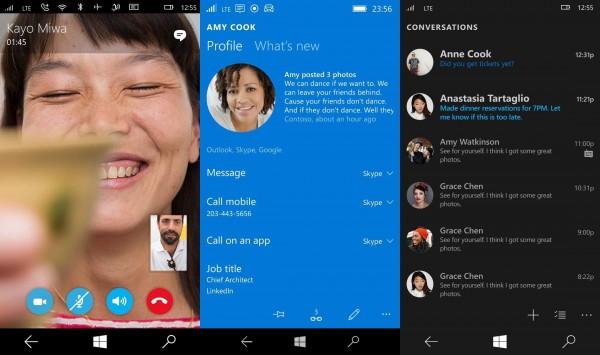
Skype is probably the best-known video conference tool and has been a fixture on our computers for many years now.
It's mostly used for people to make social calls but because it supports up to 50 participants, it could also be used for businesses as well.
Zoom

Zoom has seen an explosion of use since the coronavirus pandemic because its free version allows up to 100 people to join a video meeting together. The catch? You're limited to just 40 minutes for any meeting.
Like any other video conferencing software, Zoom provides 256-bit encryption meaning you can be confident your meetings--and any documents shared within it--stay safe.
E. Accounting
Quickbooks
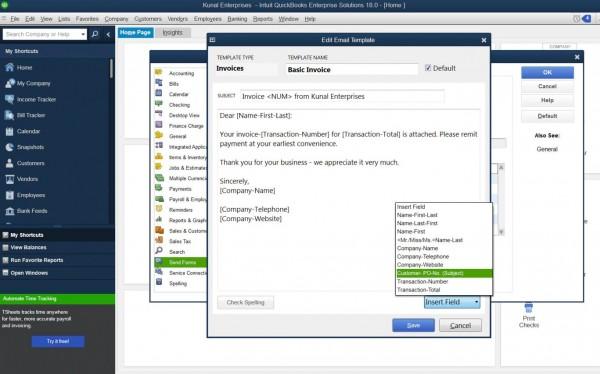
Quickbooks is one of the most popular accounting software options on the market because of its user-friendly design.
The app can be used on a smartphone or tablet and automatically syncs your data in all your devices, allowing you to maintain and access your accounting information quickly and easily.
Xero
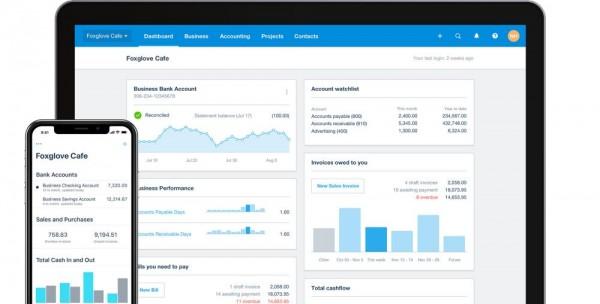
Although Quickbooks is one of the most popular solutions out there, you may also be interested in its competitor Xero.
It offers key on-the-go features like invoicing, employee time management, and bank reconciliation. Xero lets you add unlimited users which makes it perfect for mid-sized to larger businesses.
So prop up your laptop or computer, grab a seat, and start working.
This work-from-home setup is not forever, so you might as well use this time to be as productive as you can.
How to work from home: remote work tips from experts
LIST: How to help frontliners during enhanced community quarantine
